Your web browser is no longer just a window; it’s now an employee.
Google has officially rolled out its biggest Chrome update in a decade, integrating the new Gemini 3 model directly into the browser. The days of endless clicking and tab-switching might finally be numbered.
The Scoop
The update, which is rolling out to US users now, introduces three game-changing features:
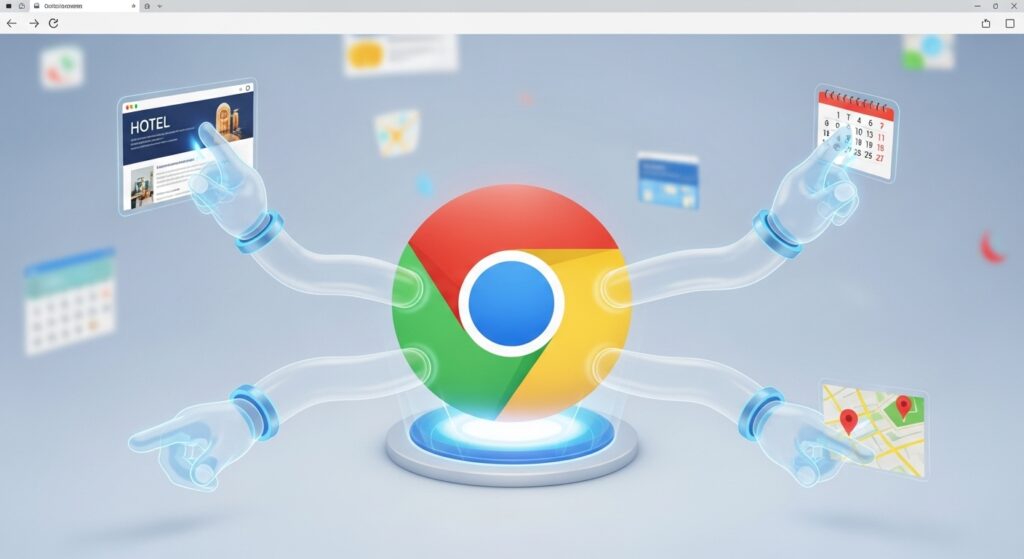
- Auto-Browse (The Big One): This is “Agentic AI” in your pocket. You can now give Chrome a command like “Find me a hotel in Chicago under $200 and check if it’s near a pizza place,” and the browser will literally navigate the web for you, clicking links and filtering results while you watch. (See the demo on 9to5Google).+1
- The “Nano Banana” Tool: Yes, that’s the real name. It’s a new built-in image editor powered by Gemini. You can now drag an image from a website into the side panel and use AI to edit or remix it instantly without opening Photoshop.
- The Always-On Side Panel: Gemini 3 now lives in a permanent sidebar, capable of “reading” the tab you are looking at to summarize articles or compare product prices in real-time.
The Bigger Picture
This is the first time “Agentic AI” (AI that does things, rather than just talking) has hit a mainstream product used by billions. While “Auto-Browse” is currently limited to AI Pro subscribers, it signals the death of manual Googling.
The Catch
Privacy advocates are already sounding the alarm. Giving an AI permission to “click” for you requires a lot of trust, especially when it involves logging into booking sites or handling personal data.