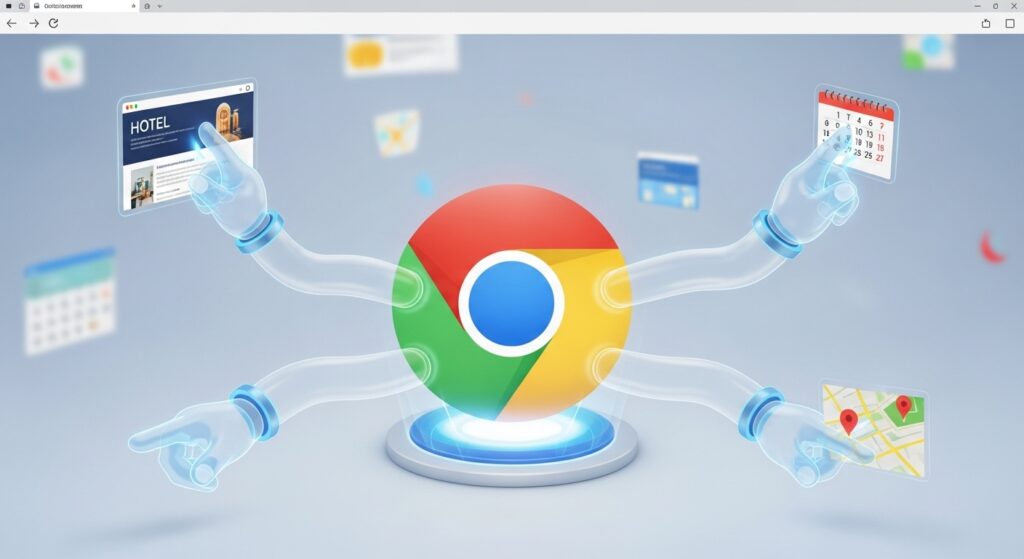
Your web browser is no longer just a window; it’s now an employee.
Google has officially rolled out its biggest Chrome update in a decade, integrating the new Gemini 3 model directly into the browser. The days of endless clicking and tab-switching might finally be numbered.
The Scoop
The update, which is rolling out to US users now, introduces three game-changing features:
- Auto-Browse (The Big One): This is “Agentic AI” in your pocket. You can now give Chrome a command like “Find me a hotel in Chicago under $200 and check if it’s near a pizza place,” and the browser will literally navigate the web for you, clicking links and filtering results while you watch. (See the demo on 9to5Google).+1
- The “Nano Banana” Tool: Yes, that’s the real name. It’s a new built-in image editor powered by Gemini. You can now drag an image from a website into the side panel and use AI to edit or remix it instantly without opening Photoshop.
- The Always-On Side Panel: Gemini 3 now lives in a permanent sidebar, capable of “reading” the tab you are looking at to summarize articles or compare product prices in real-time.
The Bigger Picture
This is the first time “Agentic AI” (AI that does things, rather than just talking) has hit a mainstream product used by billions. While “Auto-Browse” is currently limited to AI Pro subscribers, it signals the death of manual Googling. Microsoft is pursuing a similar vision with its AI Copilot Mode for Edge.
The Catch
Privacy advocates are already sounding the alarm. Giving an AI permission to “click” for you requires a lot of trust, especially when it involves logging into booking sites or handling personal data.